WordPress Backup Archives You Control
Protect your content, database, themes, and plugins with client-side encrypted backup archives. Schedule automated runs for recovery-ready data protection — a zero-knowledge utility ensuring complete data sovereignty for authenticated WordPress site owners.
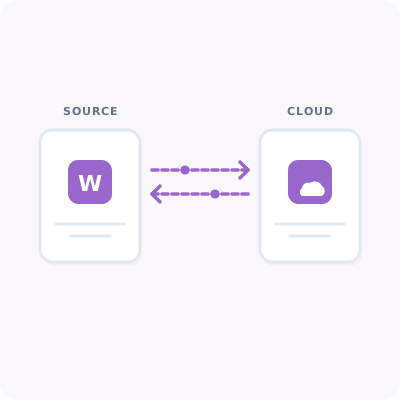
Complete Safety Net For Your Website
Flexible Schedules
Run manual backups or set daily, weekly, or monthly intervals so your latest blog posts and sales data are always safe.
Multi-Cloud Support
Store backups securely in MigraSync Managed Cloud — protected by zero-knowledge encryption, stored off-server, and instantly deployable with WP Restore.
Exclusion Scope Controls
Exclude redundant log folders, massive media files, or specific caching paths to keep database archives compact and fast to transfer.
Three Simple Backup Steps
Select Backup Scope
Choose whether to back up your full site (database and files) or focus solely on database exports.
Configure Cloud Storage
Connect your site with your secure MigraSync API key so encrypted backups stream directly to your designated cloud storage container.
Schedule and Run
Activate cron intervals. Your site will automatically run and upload compressed backup archives in the background.
FAQ
Never worry about site crashes again.
Protect your digital content today with automated, encrypted cloud backups.