Blogger to WordPress Done Securely
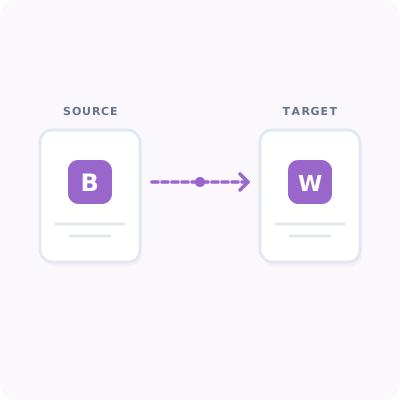
Securely export your archive and transition it into WordPress using official data portability files or authenticated API access. Seamlessly transfer posts, pages, images, and comments as the verified site owner via standard integration pathways.
Preserve Everything You Have Built
100% SEO Preservation
Map permalink redirects so your existing search engine authority, links, and indexed positions remain intact after a user-managed import.
Image Localization
No broken media. During an authenticated transfer, hosted archive images can be imported into your WordPress Media Library and updated locally on your new site.
Full Comment Sync
Keep your community engaged. Move all historical user replies and conversations, connecting them directly under matching WordPress posts.
How The Migration Wizard Works
Connect Account
Authenticate your archive account securely through the integration wizard within your WordPress dashboard.
Configure Map Settings
Map Blogger authors to WordPress users, set tags, and customize post permalink layouts for absolute SEO redirection.
Run Transfer
Launch the data transfer. Watch progress updates as posts, images, and content are synchronized safely.
FAQ
Ready to transition your blog archive?
Preserve your content authority and unlock the flexibility of WordPress today.